How to Sync Granola Notes to a Unified Sales Task List
Learn how to sync Granola notes to a unified task list using AI. Stop losing deals to poor follow-up and turn meeting transcripts into actionable sales plans.
How to Sync Granola Notes to a Unified Sales Task List
In 2026, the landscape of founder-led sales has shifted away from the bloated, enterprise-grade CRMs that dominated the last decade. Today, agility is the currency of the successful founder. Many have turned to Granola as their primary note-taking tool because it captures the nuance of a conversation without the friction of a database. It is, quite simply, the gold standard for staying present during a call.
However, a significant gap remains. You finish a high-stakes discovery call, your Granola notes are pristine, and you feel like you’ve won the day. But then, reality sets in. Those notes—and the vital action items buried within them—stay trapped inside a transcript. Within forty-eight hours, the "memory-based" sales approach begins to fail. You forget that you promised a revised SOC 2 document by Thursday, or that the prospect mentioned their legal team would be out of the office next week.
To close deals, you need more than just a record of what was said; you need a way to execute. You need a dedicated tool to sync Granola notes to a unified task list that ensures the "post-call" trap never claims another deal.
The Gap Between Taking Great Notes and Closing Deals
Founders love Granola because it doesn't feel like "data entry"—it feels like thinking. But notes are passive; closing is active. The most dangerous moment in any sales cycle isn't the rejection; it’s the silence that follows a great meeting.
The data in 2026 is clear: 70% of lost sales are attributed simply to a lack of follow-up. Furthermore, 80% of deals require five or more follow-ups to close, yet nearly half of all founders and sales reps never follow up after the first call. When you are juggling product development, hiring, and fundraising alongside sales, "manual follow-up" is usually the first process to break.
If you are looking for a way to bridge this gap, you might find our comprehensive guide to AI tools that build customer pages from transcripts helpful for understanding the broader ecosystem. However, for the founder specifically using Granola, the goal isn't just to store information—it’s to create a "follow-through engine" that translates raw text into a dated, prioritized action plan.
Why You Need a Tool to Sync Granola Notes to a Unified Task List
Relying on your brain to remember every commitment made during a thirty-minute Zoom call is a recipe for churn. even the most organized founders fall into the "copy-paste" trap, where they spend an hour every evening moving tasks from their notes into a separate to-do app or a clunky CRM.
This manual entry leads to three specific problems:
- Context Loss: A task like "Send pricing" in a generic to-do list loses the context of *why* they asked for that specific tier or what their budget constraints were.
- Organization Debt: As you scale from five to fifty prospects, a flat task list becomes a wall of noise. You lose sight of the account-level history.
- Burnout: Founders quit CRMs because they require more work than they provide value. If the system doesn't do the "thinking" for you, you will eventually stop using it.
Tasks need to be tied to a living history of the customer. A tool to sync Granola notes to a unified task list solves this by treating every action item as a part of a larger narrative. It’s not just a checklist; it’s the next chapter in your relationship with that lead.
Introducing nudge: The Automated Follow-Through Engine for Granola Users
This is where nudge fits into your workflow. nudge is designed specifically for founders who have "quit three CRMs" and need a system that actually helps them sell rather than just reporting on sales. Think of it as the execution layer that sits on top of your Granola notes.
Seamless Import
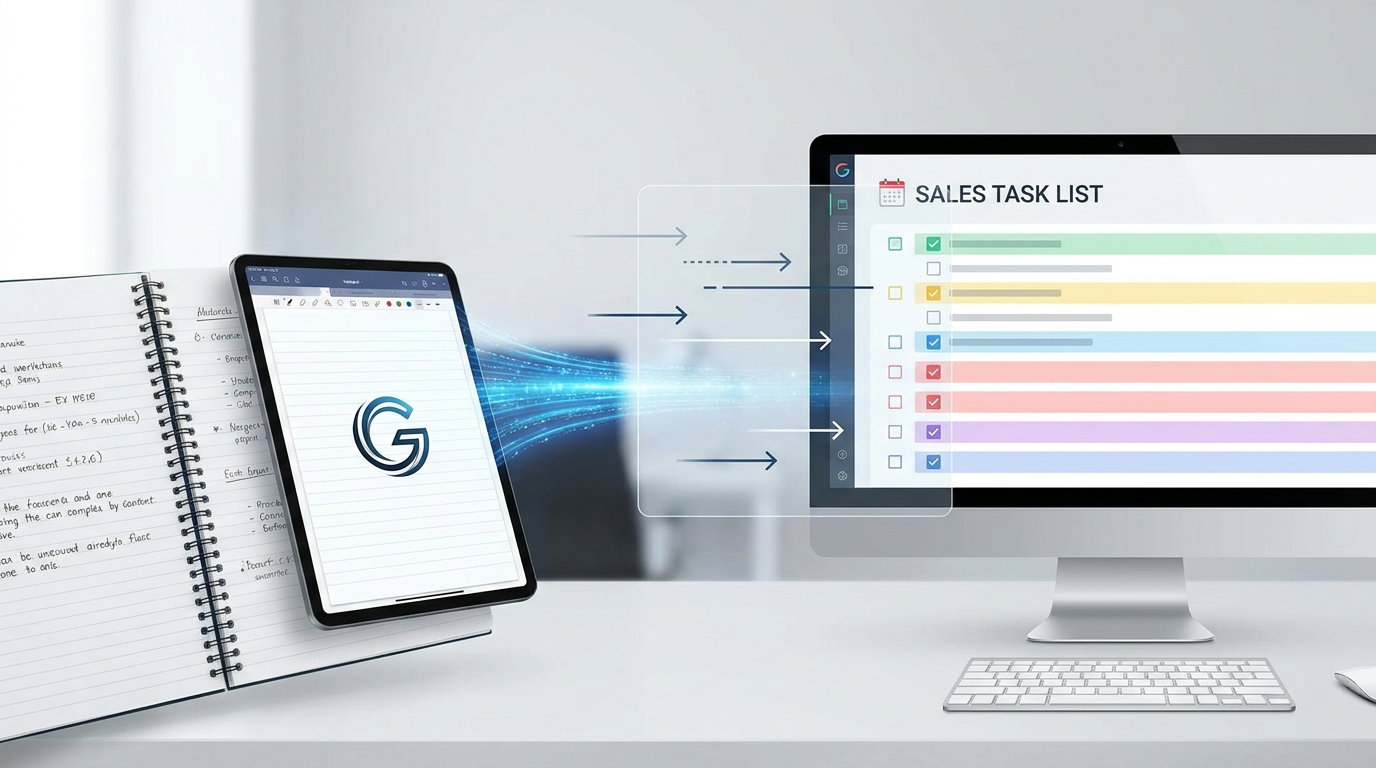
Syncing is effortless. Because nudge integrates with the tools you already use, you can pull your Granola notes or transcripts directly from Google Drive, Gmail, or via manual paste. In seconds, the raw data from your meeting is ingested into the nudge engine.
AI Action Extraction
This is where the magic happens. nudge doesn't just store your transcript; it *reads* it. Using advanced AI, nudge identifies every next step—both yours and the prospect’s.
- *“I’ll send over the case study by Wednesday.”* → Action extracted.
- *“The client will check with their CTO about the pilot date.”* → Action extracted.
nudge assigns suggested dates based on the conversation, effectively building your calendar for you. You no longer have to hunt through a transcript to find what you promised; nudge presents it to you on a silver platter.
Transforming Transcripts into a Living Customer History
nudge goes beyond the simple task list by automatically building Customer Pages. Every time you sync a Granola note, the relevant customer page is updated.
Imagine having a single, scrollable URL for "Acme Corp" that contains:
- A unified history of every meeting.
- The full context of every email exchange.
- A clear list of every commitment made since day one.
Instead of searching through Slack, email, and Granola for "that one thing they said about security," you simply scroll. This "one unified view" allows you to see your entire pipeline not as a series of stages, but as a series of actions. You can see at a glance who needs a "nudge" today, which tasks are overdue, and what meetings are coming up next week.
The Final Step: Moving from Task to Outreach with AI Drafts
The biggest hurdle in follow-up isn't knowing *that you need to email someone; it's knowing what* to say. The friction of staring at a blank "New Message" window is what causes deals to stall.
nudge closes this loop by providing AI Email Drafts. When a task is due—for example, "Follow up with Pier on pricing tier"—nudge generates a draft based on the specific context of your Granola notes. It remembers the tone of the conversation and the specific details discussed.
You don't have to write the email from scratch. You just review, tweak if necessary, and hit send. This transforms "I'll get to it later" into "sent in seconds," maintaining the momentum that is vital for closing early-stage deals. This is how you achieve "CRM discipline" without the soul-crushing bloat of traditional software.
Conclusion: Stop Letting Great Calls Die in Your Notes
Your Granola notes are a goldmine of information, but they shouldn't be a graveyard for your deals. By using a tool to sync Granola notes to a unified task list, you ensure that every great call results in a concrete action plan.
In 2026, the founders who win are the ones who follow through. nudge provides the discipline of a CRM with the simplicity of a task list, ensuring you never miss a commitment again.
Ready to turn your notes into revenue? Start a free trial of nudge today and see your Granola transcripts become an actionable plan in less than five minutes.FAQs
How does nudge specifically sync with Granola?
You can export your Granola transcripts to Google Drive or copy the text directly. nudge allows for direct import from Google Drive or a quick paste. Once the text is in nudge, the AI automatically organizes it into the correct customer page and extracts actions.
Does nudge work with other note-taking apps besides Granola?
Yes. nudge is designed to be the "follow-through engine" for all your inputs. It works seamlessly with Fireflies, Google Drive, Gmail, and manual notes. If you have text, nudge can turn it into an action plan.
Is nudge a replacement for my CRM?
For many founders and small teams, yes. nudge provides the "action" part of a CRM (task lists, customer history, follow-up reminders) without the "reporting" bloat (complex pipelines or forecasting). If you want a system you’ll actually use daily, nudge is for you.
Can I try nudge for free?
Absolutely. nudge offers a free tier that includes up to 5 customer pages and 10 imports per month—perfect for founders who are just starting to scale their sales process. No credit card is required to start.
Does the AI-generated email look like a bot wrote it?
nudge uses the context from your specific Granola notes to ensure the email sounds like you. Because it references specific details from your conversation, it avoids the "generic template" feel of most automated sales tools. You always have the final say before hitting send.